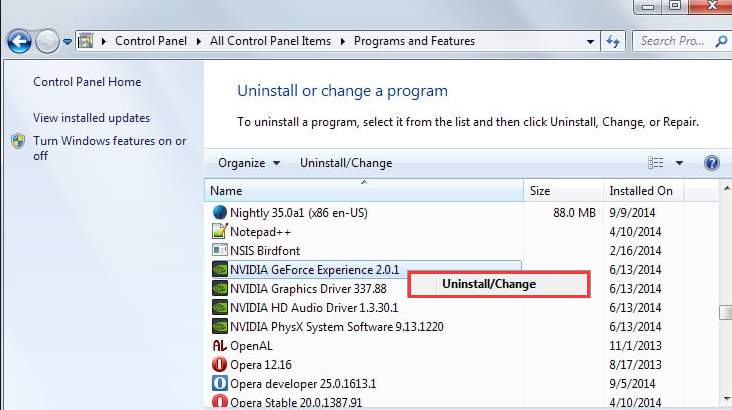
Reboot into safe mode and. Find Nvidia entries ( GeForce Experience, Graphics Driver, PhysX System Software) and remove them one-by-one. Click an entry and hit the. Commands can be executed to terminal.
Open Control Panel. Scroll down to find NVIDIA Driver from the list of software. Right click on it and.
Those that prefer to use the command-line in Ubuntu will be happy to know that it is possible to uninstall all of the Nvidia drivers from the system. As expecte Nvidia drivers have reduced my customizations. Simply just installing a new driver on linux does not work 100% of the time, A best practise would be to completely remove the old driver first to prevent conflicts.
Fully uninstall your current or older drivers. The cleanup process includes removing AMD display and audio drivers as well as AMD software components but does not remove AMD chipset. When you will double-click it. Remove the modprobe.


